
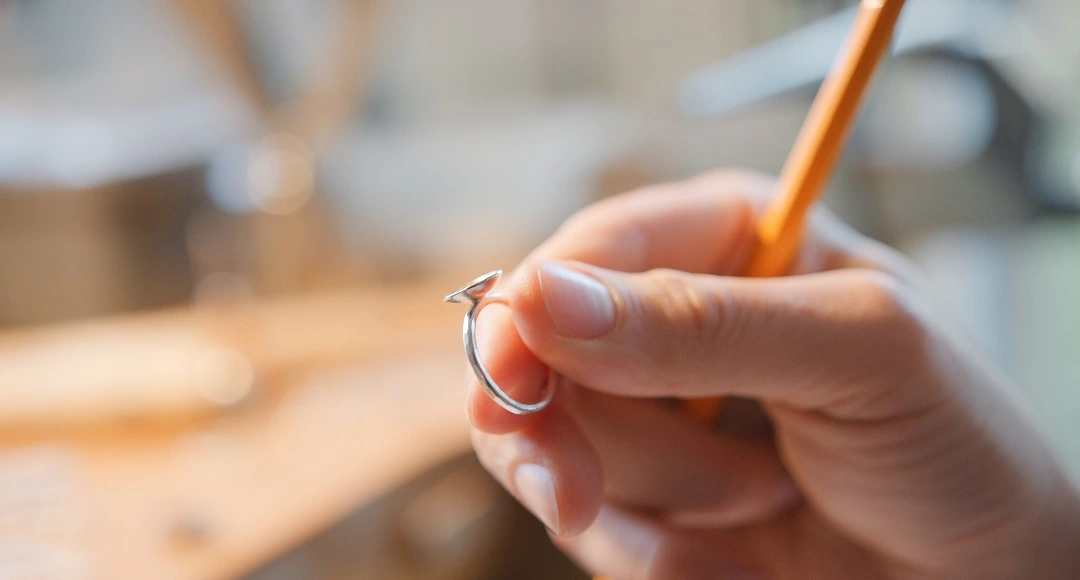
You set a budget, the jeweler shows you the carat it buys, and on your finger the stone looks smaller than the same weight did under the case lights. Nothing is wrong with the diamond. The size a ring shows depends as much on the setting, the shape, and the band as on the carat number, and a handful of choices can add the look of half a carat without adding a cent to the stone. The trick is knowing which choices do the work.
The Band and Apparent Size
The band is the cheapest way to change apparent size, and most buyers overlook it. A thin shank makes the center stone look larger by simple contrast, because the eye measures the diamond against the metal beside it. Swap a 2.5 millimeter band for a 1.6 millimeter one and the same stone gains presence on the hand without changing a single grade on the report.
A band set with small pavé stones extends that effect. The line of tiny diamonds running toward the center widens the bright area the eye takes in, so the ring looks like a larger field of light rather than a single point. A buyer who wants the most size for the least money usually starts at the band, since reshaping a shank costs a fraction of a larger center stone. Jewelers sometimes call this the band-to-stone ratio, and a narrow band reliably tips that ratio in the diamond’s favor.
Settings Built for Presence
Some designs are built to make a modest stone look large, and they tend to be the same designs buyers reach for when they want something distinctive. A bezel that wraps the stone in a rim of metal, an illusion plate that extends the visible surface, or a cluster of small stones set tightly together all add apparent size. A buyer searching for a unique engagement ring often ends up with one of these without setting out to game the carat weight.
Size and character come from the same choices here. A setting that looks unlike the standard solitaire usually does more to enlarge the stone than a plain head would, so the buyer gets a distinctive ring and a larger look in one decision.
Shape and Surface Area
Carat measures weight, since a stone is weighed in carats of 200 milligrams each, and weight does not always translate to visible size. Some shapes put their weight into a broad face, while others sink it into depth hidden below the setting. Elongated stones lead the group. An oval, a pear, a marquise, or an emerald covers more of the finger than a round of the same weight, because the outline is stretched and less of the stone is buried below the setting.
The gain is real and measurable. A 1-carat oval can look close to a 1.2-carat round from above, since its longer face shows more area to the eye. A shopper who cares about the look of size more than the number on the receipt should weigh shape before carat, because the right outline buys apparent size that a heavier round would charge for. The eye also judges size by what surrounds a stone, an effect known as the Ebbinghaus illusion, so a clean band around the diamond adds to the impression of size. Length-to-width ratio matters within a shape, since a well-proportioned oval near 1.4 to 1.5 looks balanced and full, while a stubby one throws the effect away.
The Halo Effect
A halo is the most direct illusion in the catalog, a working example of the Delboeuf illusion in which a ring around an object changes its apparent size. The accent stones that encircle the center are set close enough to look like part of it from a short distance, so a 1-carat stone inside a halo can pass for one half a carat heavier. The added stones cost far less than the equivalent weight in the center, which is why the halo remains the standard answer for buyers chasing size on a budget. A double halo pushes the illusion further, ringing the center with two rows of small stones for anyone who wants the largest footprint the budget allows.
A hidden halo works the same way from a different angle. The accent stones sit below the center, out of sight from above, and push light up into the main stone while widening its base. The face stays clean and the stone still gains presence, which suits a buyer who wants the size effect without the visible ring of small diamonds.
Metal Color and Light
Metal choice changes how large a stone looks, and the rule is simple. A white metal setting has no color of its own, so a near-colorless diamond blends into it and the eye sees the metal and stone as one larger bright shape. White gold or platinum prongs almost disappear against the stone, while yellow gold prongs frame it and mark its true edge. Buyers who love yellow gold can keep a warm band and still set the head in white metal, which holds the size effect where it counts.
Thin prongs help for the same reason. The less metal that crosses the face of the diamond, the more of the stone the eye sees, so four slim prongs reveal more surface than six heavy ones. A high setting adds the last touch, lifting the stone off the finger so light reaches it from the sides, and the whole face brightens, which the eye takes for size.
Putting the Choices Together
The choices stack, and a buyer who uses several at once can change the look of a ring by a wide margin. An elongated stone in a thin pavé band, held in slim white gold prongs above a hidden halo, will look far larger than its carat weight suggests, a stacking of the same contour effects that drive misjudged circle size in the lab, and none of those choices touch the price of the center diamond. The center can stay modest while the ring around it does the work.
So the stone that looked small under the case lights was never the problem. Set that same diamond in a thin band and a reaching shape, add a halo or a bright white metal head, and the carat you could afford starts to look like the carat you wanted. The size was always a matter of the setting as much as the stone.
Read More: Harouxinn: Uncovered Why This New Digital Trend is Taking Over